- Welcome to Pulse Robot
- +86-23-63207381
- +8613677602178
- sales@pusirobot.com

Python in Action: Remotely Controlling PMC006CX Stepper Motor via Ethernet (CANET)
Python in Action: Remotely Controlling PMC006CX Stepper Motor via Ethernet (CANET)
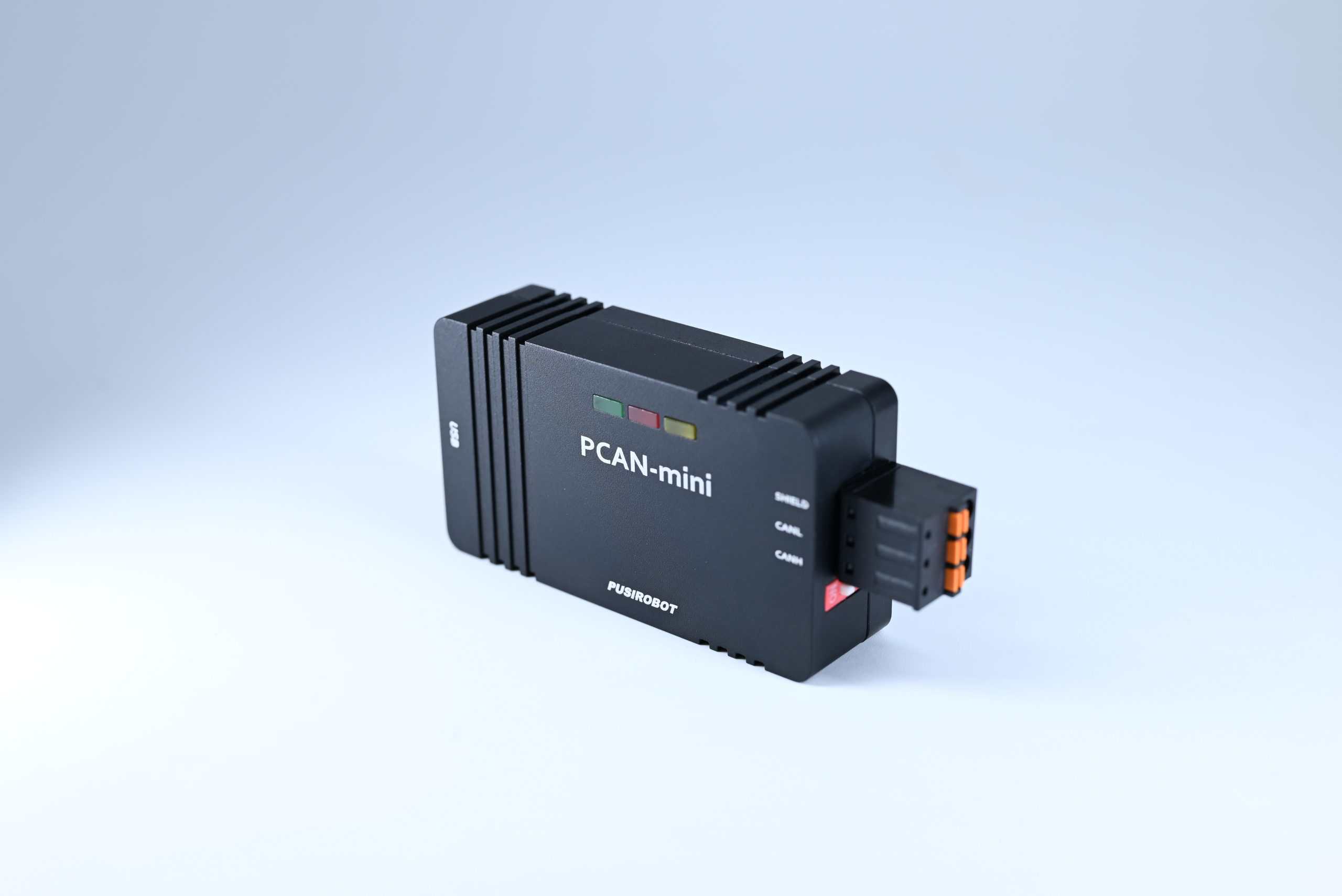
In industrial automation and robotics development, "how to control motors" is always a core topic. Traditional control methods are often limited by physical cable length (USB/serial port) or bogged down by complicated register operations.
Today, we'll show a pure Python solution: using ZLG's Ethernet CAN adapter (CANET-2E-U) together with the powerful canopen library to achieve remote, high-level control of the PMC006CX integrated stepper driver.
1. Why Choose This Setup?
- Break Distance Limits: Using CANET (Ethernet to CAN), your control computer (PC/microcontroller) can be anywhere on the local network, while the motor can be hundreds of meters away on the factory floor. CAN data is tunneled over TCP/IP.
- Standardized Protocol: The PMC006CX supports the CANopen protocol. Using the Object Dictionary for control is more standard and readable than sending raw 8-byte HEX data.
- Python Ecosystem: Leveraging Python's dynamic features, we wrap complex register operations into simple function calls (like set_max_speed), greatly lowering the development barrier.
2. Making the canopen Library "Recognize" CANET
Python's canopen library natively supports devices like SocketCAN, Kvaser, and Vector, but not ZLG's TCP mode by default.
To solve this, we wrote zlgcanadapter.py. It's a hardware abstraction layer that inherits from can.BusABC. Its job is to trick the canopen library into thinking it's connected to a standard local CAN card, while actually all data flows over TCP to the ZLG adapter.
How the key code works (zlgcanadapter.py):
Python's canopen library natively supports devices like SocketCAN, Kvaser, and Vector, but not ZLG's TCP mode by default.
To solve this, we wrote zlgcanadapter.py. It's a hardware abstraction layer that inherits from can.BusABC. Its job is to trick the canopen library into thinking it's connected to a standard local CAN card, while actually all data flows over TCP to the ZLG adapter.
How the key code works (zlgcanadapter.py):
# Core mechanism: Intercept `send` and `recv`
class ZLGCanNetBus(can.BusABC):
def __init__(self, ip, port, ...):
# Initialize ZLG SDK, establish TCP connection
self.zcanlib = ZCAN()
self.device_handle = self.zcanlib.OpenDevice(ZCAN_CANETTCP, 0, 0)
# Configure IP and port...
def send(self, msg, timeout=None):
# Convert python-can's Message object to ZLG's C structure and send
z_msg = ...
self.zcanlib.Transmit(self.chn_handle, z_msg, 1)
def _recv_internal(self, timeout):
# Read data from ZLG SDK, package it back into a python-can Message object
rcv_msg = self.zcanlib.Receive(...)
return msg, False
With this file, we can seamlessly use all the high-level features of canopen.
class ZLGCanNetBus(can.BusABC):
def __init__(self, ip, port, ...):
# Initialize ZLG SDK, establish TCP connection
self.zcanlib = ZCAN()
self.device_handle = self.zcanlib.OpenDevice(ZCAN_CANETTCP, 0, 0)
# Configure IP and port...
def send(self, msg, timeout=None):
# Convert python-can's Message object to ZLG's C structure and send
z_msg = ...
self.zcanlib.Transmit(self.chn_handle, z_msg, 1)
def _recv_internal(self, timeout):
# Read data from ZLG SDK, package it back into a python-can Message object
rcv_msg = self.zcanlib.Receive(...)
return msg, False
With this file, we can seamlessly use all the high-level features of canopen.
3. Minimalist Wrapper: pusican.py
Directly using SDO(like node.sdo【0x6003】.raw=50000) works but isn't intuitive. In pusican.py, we built a Canopen_ku class that maps complex CANopen Object Dictionary addresses (Index/SubIndex) to human-readable functions.
Compare before and after wrapping:
Directly using SDO(like node.sdo【0x6003】.raw=50000) works but isn't intuitive. In pusican.py, we built a Canopen_ku class that maps complex CANopen Object Dictionary addresses (Index/SubIndex) to human-readable functions.
Compare before and after wrapping:
Before Wrapping:
python
# To set acceleration, you need to look up address 0x6008 in the manual
node.sdo【0x6008】0x6008.raw = 5
python
# To set acceleration, you need to look up address 0x6008 in the manual
node.sdo【0x6008】0x6008.raw = 5
After Wrapping (pusican.py):
python
# Just call a semantic function def set_acce_speed(self, node_id, a_speed): self.node_map【node_id】.sdo【0x6008】.raw = a_speed
python
# Just call a semantic function def set_acce_speed(self, node_id, a_speed): self.node_map【node_id】.sdo【0x6008】.raw = a_speed
This library checks the bustype parameter to automatically decide whether to load a standard CAN interface or our custom ZLG network interface:
python
if self.bustype1 == 'zlgcanet':
# Auto-load our adapter, solving connection errors
zlgcannet_bus = ZLGCanNetBus(ip=ip, port=port)
self.network.bus = zlgcannet_bus
python
if self.bustype1 == 'zlgcanet':
# Auto-load our adapter, solving connection errors
zlgcannet_bus = ZLGCanNetBus(ip=ip, port=port)
self.network.bus = zlgcannet_bus
4. Live Demo: Making the Motor Move
Everything is ready. Let's write a main program, motor_controller.py. Assume the motor's Node-ID is 3, and the CANET's IP is 192.168.1.200, port 4001.
We'll demonstrate PP mode (Point-to-Point position control), making the motor rotate a specified number of steps.
Everything is ready. Let's write a main program, motor_controller.py. Assume the motor's Node-ID is 3, and the CANET's IP is 192.168.1.200, port 4001.
We'll demonstrate PP mode (Point-to-Point position control), making the motor rotate a specified number of steps.
python
import time
from pusican import Canopen_ku
def main():
# 1. Connect to the device
# Format: type, IP:port, baud rate, 【node ID list】
print("Connecting to CANET device...")
driver = Canopen_ku('zlgcanet', '192.168.1.200:4001', baud1=125000, node_ids=【3】)
node_id = 3
# 2. Set motion parameters (PP Mode - Position Control)
# Set work mode to 4 (PP Mode - Point to Point)
driver.set_work_mode(node_id, 4)
# Set maximum speed
driver.set_pp_speed(node_id, 100000)
# 3. Execute motion command
target_step = 20000 # Target step count
print(f"Starting motion: target {target_step} steps")
driver.set_pp_step(node_id, target_step)
driver.set_pp_control_word(node_id, 16)
# Simulate running for a while
time.sleep(3)
# 4. Read real-time status
pos = driver.read_motor_position(node_id)
print(f"Current motor position: {pos}")
# Close connection
driver.network.disconnect()
print("Connection closed")
if __name__ == '__main__':
main()
import time
from pusican import Canopen_ku
def main():
# 1. Connect to the device
# Format: type, IP:port, baud rate, 【node ID list】
print("Connecting to CANET device...")
driver = Canopen_ku('zlgcanet', '192.168.1.200:4001', baud1=125000, node_ids=【3】)
node_id = 3
# 2. Set motion parameters (PP Mode - Position Control)
# Set work mode to 4 (PP Mode - Point to Point)
driver.set_work_mode(node_id, 4)
# Set maximum speed
driver.set_pp_speed(node_id, 100000)
# 3. Execute motion command
target_step = 20000 # Target step count
print(f"Starting motion: target {target_step} steps")
driver.set_pp_step(node_id, target_step)
driver.set_pp_control_word(node_id, 16)
# Simulate running for a while
time.sleep(3)
# 4. Read real-time status
pos = driver.read_motor_position(node_id)
print(f"Current motor position: {pos}")
# Close connection
driver.network.disconnect()
print("Connection closed")
if __name__ == '__main__':
main()
Expected Output:
- Terminal shows successful connection.
- Motor accelerates, rotates the specified steps, then decelerates and stops.
- Terminal prints the final motor position.
Summary
By introducing the ZLGCanNetBus class, we successfully bridged the canopen library and the ZLG CANET device. Combined with the wrapper in pusican.py, the whole system offers:
By introducing the ZLGCanNetBus class, we successfully bridged the canopen library and the ZLG CANET device. Combined with the wrapper in pusican.py, the whole system offers:
- Very Low Coupling: Hardware interface is separate from business logic. If you need to switch to a USB-CAN card, just change the bustype parameter; the application code stays the same.
- Easy to Extend: To add multi-axis interpolation or synchronous control, you can easily extend it based on the CANopen library's SYNC/PDO mechanisms.
- Easy Debugging: All Python code, no compilation needed. Test changes immediately.
Attachment
zlgcannet_demo
This setup is perfect for lab automation, AGV prototype testing, and remote equipment maintenance. With just an Ethernet cable, your Python code controls all the power.
zlgcannet_demo
This setup is perfect for lab automation, AGV prototype testing, and remote equipment maintenance. With just an Ethernet cable, your Python code controls all the power.